Step 1: Sort by the question you'll ask, not by what the object is
Most people sort by taxonomy: "screws here, nuts there, washers over there." Then they need "the fastener that holds the dishwasher kick-plate on" and have to open six drawers. A better organizing principle is the question you will ask when you come back:
- Workshop: "What fits this hole?" → sort by thread size / gauge, mixing screws, nuts and washers of the same size in adjacent drawers.
- Crafts: "What goes with this project?" → sort by colour family or by kit, not by material.
- Electronics: "What value do I need?" → sort by component type then value decade (resistors 1–10Ω, 10–100Ω…).
- LEGO: "What shape am I holding?" → sort by part category (plates, tiles, slopes), never by colour first. See our LEGO sorting guide.
Step 2: Choose an organizer whose grid matches your access pattern
Small-parts cabinets come in a handful of grid shapes, and the shape matters more than the brand:
| Grid | Typical product | Best for | Watch out for |
|---|---|---|---|
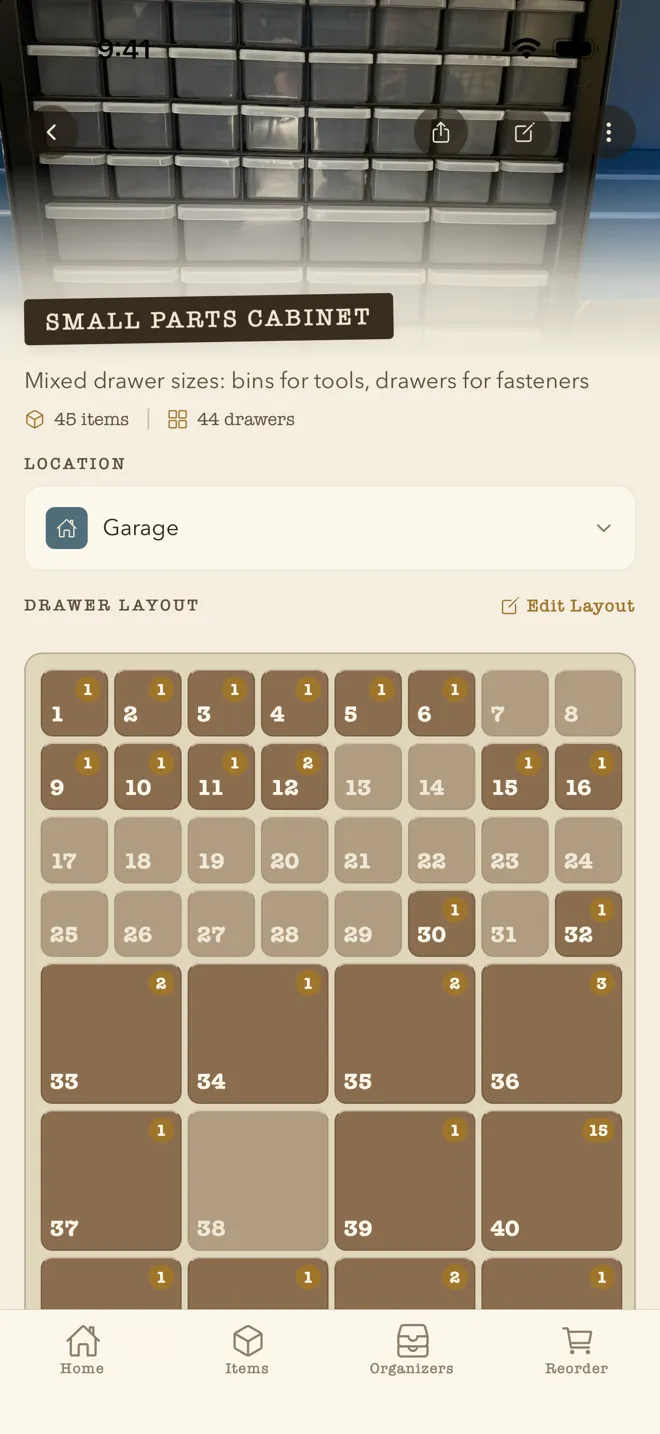
| Many tiny drawers (44–64) | Akro-Mils 10144 / 10164, Stack-On DS-60 | Fasteners, resistors, beads, LEGO small parts | Drawers overflow fast; wall-mount or they tip when full |
| Mixed large/small (24–39) | Akro-Mils 10124 / 10139 | Garage hardware, sewing notions | Large drawers become "misc" black holes — subdivide them |
| Adjustable-divider boxes | Stanley SortMaster, Plano, ArtBin, DeWalt/Milwaukee organizers | Portable kits, jobsite, per-project bins | Dividers shift; parts migrate |
| Modular 3D-printed bins | Gridfinity, Multiboard, HSW | Makers who want a bin exactly the size of the thing | Endless tinkering; see our Gridfinity guide |
| Stackable open bins | Akro-Bins, IRIS, Sterilite | Bulky items, high-frequency access | Dust; hard to inventory since contents pile up |
We keep a running list of the most popular models with their exact grid dimensions — and the WhichDrawer layout that matches each — in our Drawer Organizer Guide.
Step 3: Leave 30% empty
A full organizer is a dead organizer. The moment there's no drawer for the new thing, it goes in a coffee can on top, and the system starts to rot from there. Buy one size up from what you need today, and deliberately leave a row empty.
Step 4: Label the drawer — but don't trust the label
Labels are great for the first month. Then something gets moved, the label doesn't, and now every label in the cabinet is a little bit suspicious. This is what we call the tribal-knowledge problem: the true contents of the cabinet end up living in one person's head.
Two rules that help: label with the retrieval question ("M4 nuts & washers", not "misc hardware"), and use a label you'll actually reprint — a Brother P-touch or Niimbot costs less than the organizer and removes the "I'll fix it later" friction.
Step 5: Keep an index that lives outside the drawer
This is the step almost nobody does, and it's the one that makes the difference between an organizer that works for a month and one that works for a decade. Record what is in each drawer somewhere searchable: a spreadsheet, a notes file, or — our obvious suggestion — a photo inventory app.
The reason a photo beats a text list is that small parts are hard to describe but easy to recognise. Nobody remembers whether they wrote "shoulder bolt" or "stepped screw", but everyone can look at a photo and say "yes, that one." Search that works on the picture, not the words, is the whole game.
How WhichDrawer does this
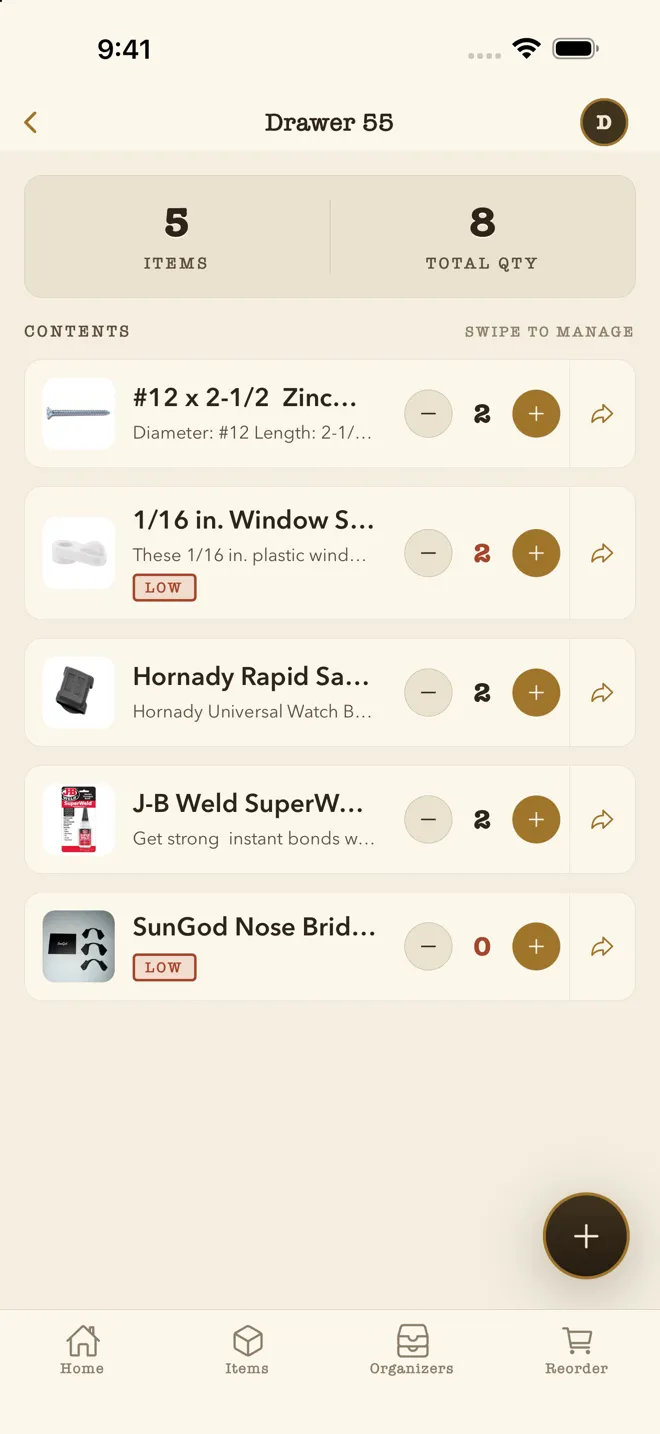
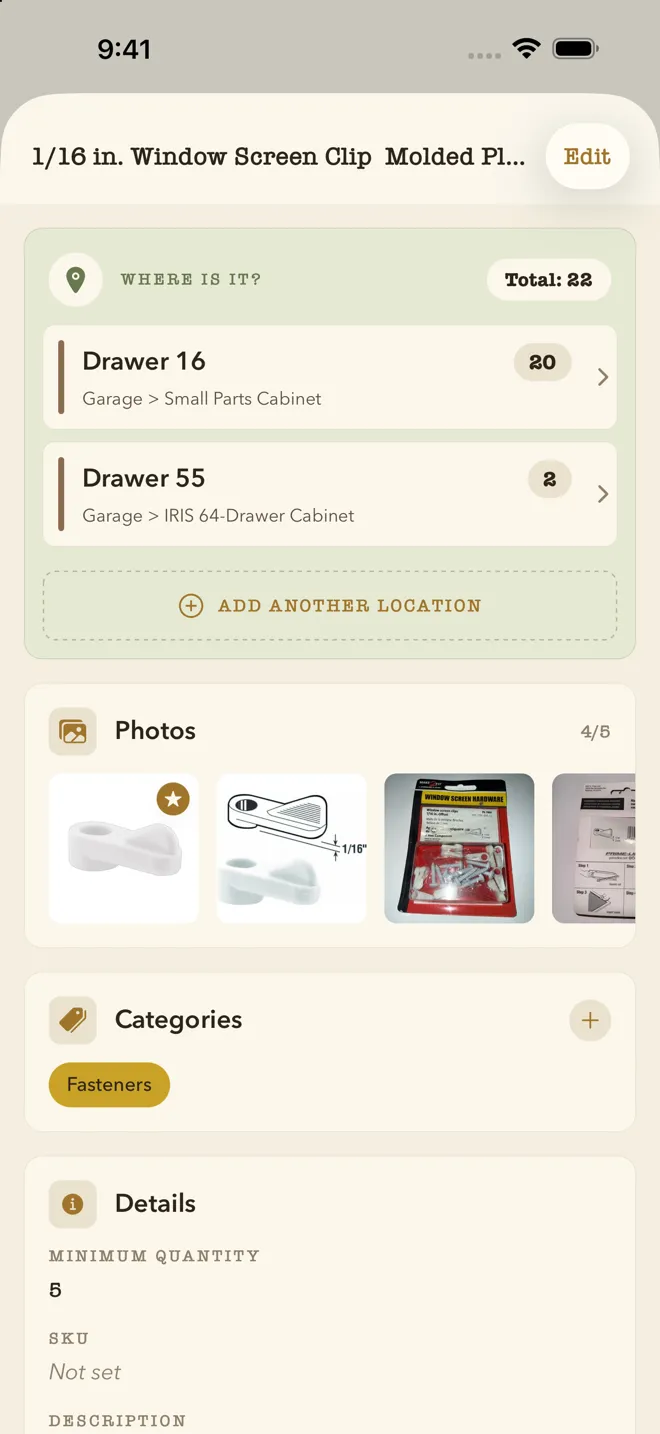
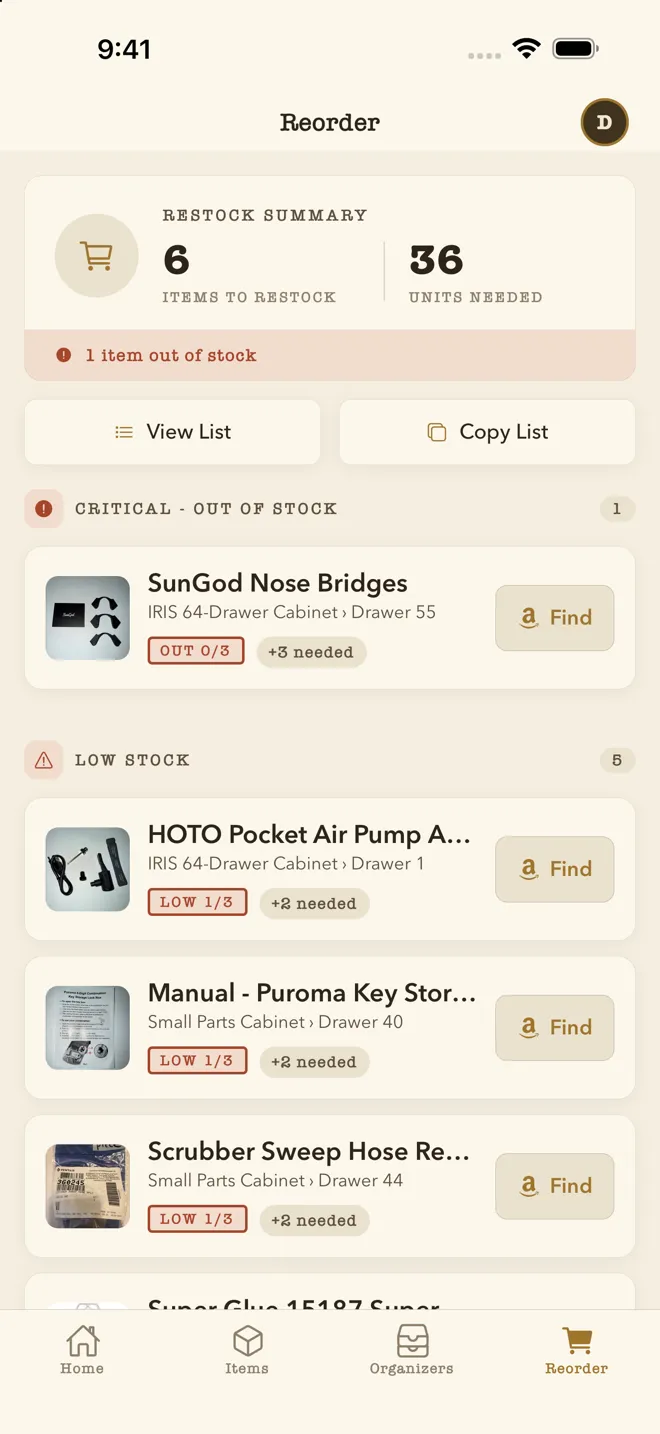
You photograph the organizer, draw the grid on top of it (anything up to 12×12, with merged cells for the big drawers, or start from a layout template), then photograph what's in each drawer. Later, type a word or take a photo of the part you're holding, and AI image search points at the drawer. Custom fields hold whatever your parts need — thread pitch, length, voltage. Everyone in your household can see each other's organizers, and low-stock alerts tell you when to reorder. Free on the App Store for one organizer, with 20 AI image searches a month; unlimited on Standard and Pro.
Step 6: Do a five-minute audit each season
Open every drawer once a season with your index open. Fix drift, merge the "misc" drawer, and reorder what's low. Five minutes four times a year is enough to keep the index truthful — and a truthful index is what makes the whole system worth having.
Frequently asked questions
What's the best drawer organizer for a garage?
For fasteners, a wall-mounted 44- or 64-drawer cabinet (Akro-Mils 10144/10164 or the Stack-On equivalents) is the workhorse. For a mix of hardware and tools, a mixed-size cabinet like the Akro-Mils 10124 (12 large + 12 small) is easier to live with.
Should I sort screws by type or by size?
Size first, then type. You almost always know the size you need (it has to fit the hole) before you know whether a pan-head or flat-head is what's in the bag.
How do I keep track of what's in each drawer?
Label the front, and keep a searchable index that includes a photo of each drawer's contents. Update the index whenever a drawer's purpose changes, not when you have time.